How to Add an Outlook Calendar to Google Calendar (3 Minutes, Limits Included)
Six steps to get Outlook events showing in Google Calendar via ICS subscription — and an honest look at why that falls short for daily use.
The short answer: it takes about 3 minutes
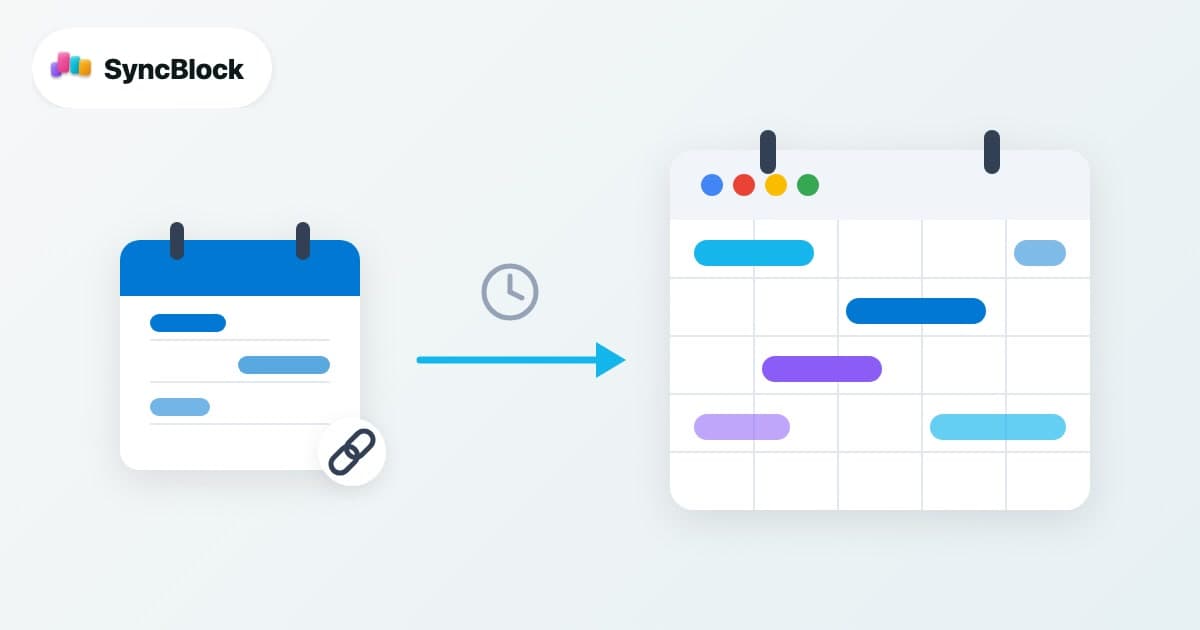
The standard way to add an Outlook calendar to Google Calendar is an ICS publish link subscription. You generate a published calendar link (ICS) in Outlook settings, then paste it into Google Calendar's "From URL" option. It's free and needs no software. The catch: the subscription is read-only and updates lag by hours — so this guide also covers exactly what to expect from it.
How to add an Outlook calendar to Google Calendar
- Sign in to Outlook on the web (outlook.live.com or outlook.office.com). The publish menu only exists on the web, not in the desktop app.
- Go to Settings (gear) → Calendar → Shared calendars.
- Under "Publish a calendar", pick the calendar and the permission level ("Can view all details"), then click Publish.
- Copy the ICS link (not the HTML one).
- In Google Calendar (calendar.google.com), click the + next to "Other calendars" → From URL.
- Paste the ICS link and click Add calendar. Your Outlook events appear shortly after.
The other direction: Google Calendar inside Outlook
- In Google Calendar settings, select the calendar → "Integrate calendar" → Secret address in iCal format, and copy it.
- In Outlook on the web, go to Add calendar → Subscribe from web and paste it.
Same mechanism either way: one side publishes an ICS address, the other polls it periodically. Which means both directions share the same limitations below.
Subscribe vs Import vs Unified view
| Method | Update speed | Editable | Best for |
|---|---|---|---|
| ICS subscribe | Hours, up to 24h delay | Read-only | Occasional reference |
| ICS import | Snapshot only, never updates | Copy only | Backup / migration |
| Unified calendar view | Real time (direct API) | Edit both sides | Living in both calendars daily |
Three limits of ICS subscriptions
- Refresh lag — Google decides when to re-fetch the ICS address, and in practice it takes hours to a full day. A meeting booked this morning can stay invisible all day.
- Read-only — you can't move or edit Outlook events from Google Calendar. You end up opening Outlook anyway.
- Recurring event gaps — complex recurrence rules like "second Tuesday of every month" sometimes render partially or not at all through a subscription.
Already fighting sync issues? See how to fix Google–Outlook calendar sync problems for a cause-by-cause checklist.
If you live in both calendars: skip syncing entirely
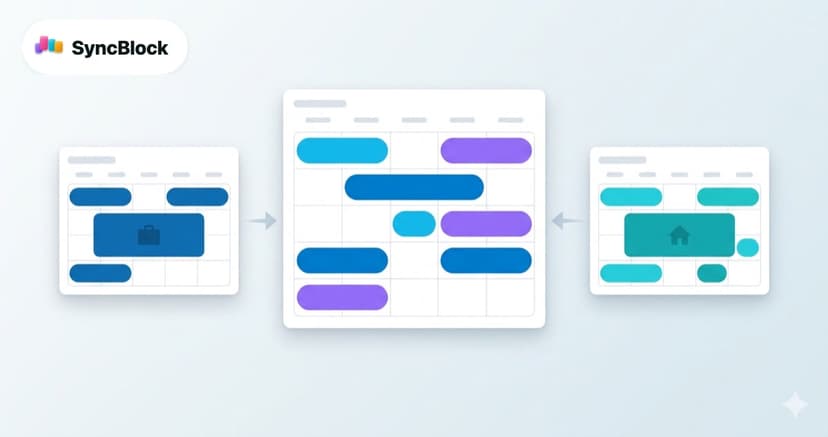
If work runs on Outlook and life runs on Google — and you switch between them every day — subscriptions get frustrating fast. The better fit is a unified calendar view that connects each account directly and renders both on one screen, with no syncing in between.
- Real time — SyncBlock queries the Google and Outlook APIs directly, so a meeting booked a minute ago shows up right away.
- Edit both ways — events you create or change in the unified view are saved straight to the source calendar.
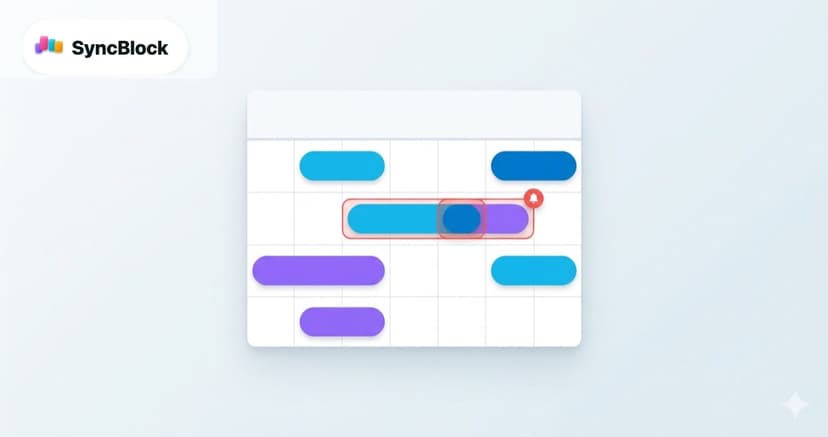
- Automatic conflict detection — when a Google event overlaps an Outlook event, it gets flagged instantly. A subscription can never do that.
Merging a work calendar with a personal one also raises privacy questions — we covered them in how to safely merge work and personal calendars.
Frequently asked questions
Q. My Outlook events aren't showing up in Google Calendar.
Right after adding, it can take a few hours. If it's still empty after 12 hours, check that the publish permission is "Can view all details" and that you pasted the ICS link, not the HTML one.
Q. I don't see the publish menu in my work Outlook.
Your Microsoft 365 admin has disabled calendar publishing by policy. ICS subscription isn't possible in that case — ask IT about the policy, or use an OAuth-based unified view tool within what your organization allows.
Q. Can I edit Outlook events from Google Calendar?
Not through an ICS subscription — subscribed calendars are read-only. If you need editing, use a unified calendar tool that connects both accounts directly.
Q. If I remove the subscribed calendar, do the original events get deleted?
No. A subscription is just a displayed copy. Removing it from Google Calendar doesn't touch the original Outlook events.
Wrapping up
For occasional reference, an ICS subscription is all you need — the six steps above take about three minutes. But if you work across both calendars every day, you'll hit the lag and the read-only wall. That's when SyncBlock makes sense: both calendars on one screen, in real time, no syncing involved. Connecting your Google and Outlook accounts takes about a minute.